Set or Remove an iPhone Passcode
This translation was generated automatically.
A few more tips about the iPhone passcode:
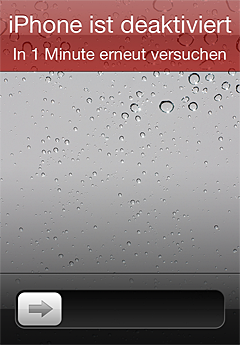
If no passcode is set and the device is lost, you can set one afterward through iCloud / Find My iPhone.
If a passcode is set, forgotten, and needs to be removed, Apple’s support document gives three options:
- The device has an iTunes backup: restoration may be possible (under what exact conditions?).
- The device has no iTunes backup: put the iPhone in recovery mode and restore it; the data will be lost.
- No iTunes: erase it remotely with Find My iPhone, or let it erase itself after 10 failed attempts if that option is enabled.
The effect of Activation Lock in iOS 7 is not publicly known yet.
There is a more convenient way to reset the passcode, which iCloud and iTunes do not offer:
If the iPhone is enrolled in an enterprise environment—for example, through the MDM in OS X Server—the MDM server can reset the passcode. No restore, backup, or data loss required. It might be worth paying €18 once to insure yourself against this risk. Setup isn’t entirely trivial, but it’s quite doable if you follow the documentation.