FCP X: Restoring Background Tasks Window Without Trashing Prefs
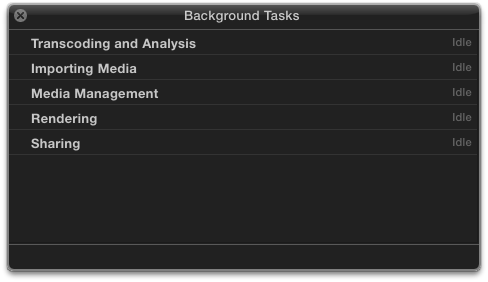
If your Background Tasks window in FCPX goes missing, after moving between differently sized displays, or moving from retinaland back to the old trusty CRT, simply open FCPX, hit Cmd-9 to enable the window, and then step down your system display resolution one notch.
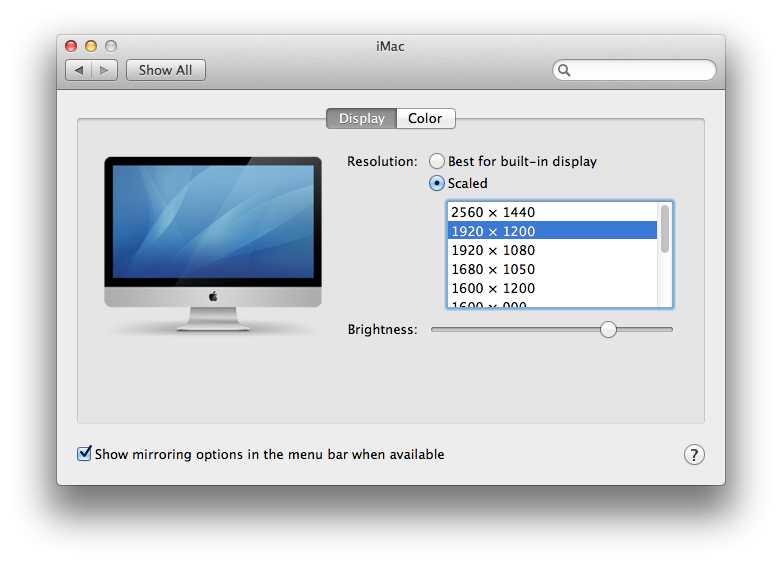
And back up again. Tada. The window is back and you didn’t have to trash your prefs.