Web Push for Internal Services

Over the past few months, I've equipped various small internal services with Web Push to get notified about events on my servers and Macs. It works quickly and almost flawlessly. Around the web, I'd mostly encountered Web Push as a spam mechanism on shady news sites.
Of course, there are many other ways to receive push notifications, from Pushover and ntfy to Telegram, Slack, and Matrix. You can build a small internal app using your own developer certificate that sends push notifications through Firebase and/or your own server via APNS. Also cumbersome, and dependent on additional external services.
Or just use Web Push, which was relatively cumbersome and poorly documented, at least the last time I looked into it. Here's an overview of how Codex set it up for me:
1. Generate VAPID keys
Web Push uses VAPID (Voluntary Application Server Identification) to identify the server sending notifications.
Generate an elliptic-curve P-256 key pair once. Most Web Push libraries provide a helper for this. In Go, for example, github.com/SherClockHolmes/webpush-go provides webpush.GenerateVAPIDKeys().
Store the keys securely:
VAPID_PUBLIC_KEY— shared with browsers when subscribing.VAPID_PRIVATE_KEY— stays exclusively on the server.
2. Register a service worker
A service worker is a special kind of Web Worker that can receive push events even when the website isn't open.
Register a small JavaScript file, typically /sw.js, using navigator.serviceWorker.register('/sw.js').
The service worker needs two event handlers:
push— reads the incoming message and displays a notification usingself.registration.showNotification().notificationclick— closes the notification and focuses an existing browser tab or opens the relevant URL usingclients.openWindow().
The content of a notification can be a simple JSON object containing title, body, and url.
That's the entire browser-side receiving mechanism. The server sends the message to the browser vendor, which takes care of finding the device and delivering the message.
3. Subscribe the browser
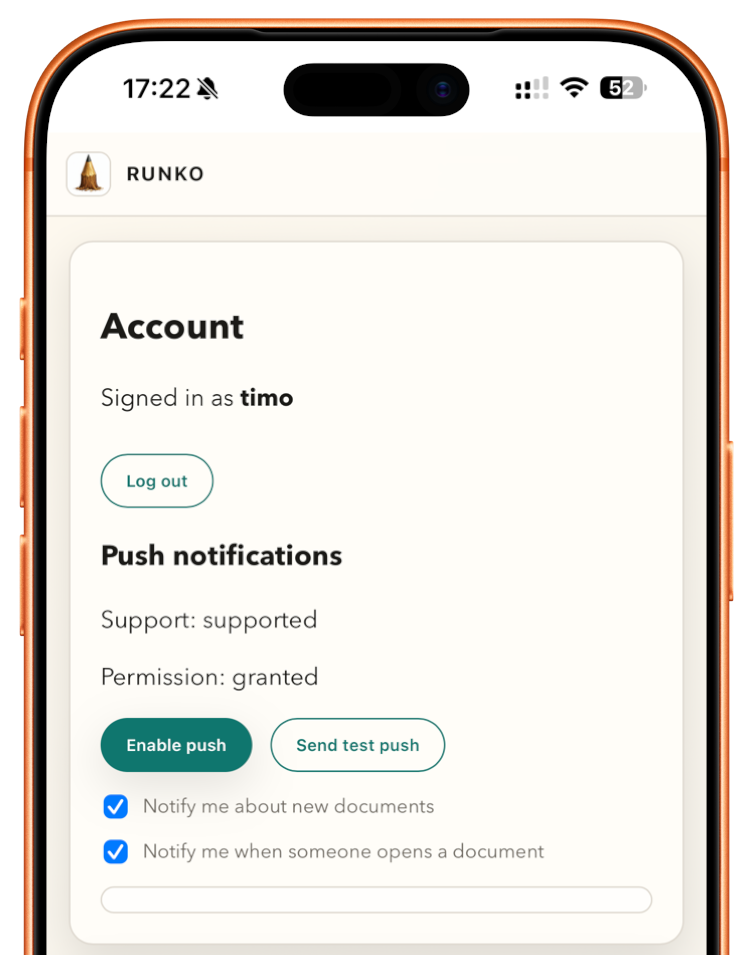
Add an Enable notifications button to your application's settings.
- Request notification permission using
Notification.requestPermission(). - Wait until the service worker is ready.
- Check for an existing subscription with
registration.pushManager.getSubscription(). - If necessary, create one using
registration.pushManager.subscribe({ userVisibleOnly: true, applicationServerKey: publicKey }). - Send the resulting subscription to your backend as JSON.
The publicKey is the decoded VAPID public key.
The browser returns a subscription containing an endpoint URL and two encryption keys: p256dh and auth.
4. Store subscriptions
SQLite or a text file is perfectly sufficient.
A simple push_subscriptions table can contain:
endpoint— unique push service URL.p256dhandauth— encryption material.user_id— the authenticated application user.
5. Send a notification
When something happens — a document is created, a job finishes, or new content needs review — load the relevant subscriptions.
Use a Web Push library to send an encrypted JSON message to each subscriber and authenticate the request with your VAPID keys.
In Go, webpush.SendNotification() handles the protocol, encryption, and VAPID authentication.
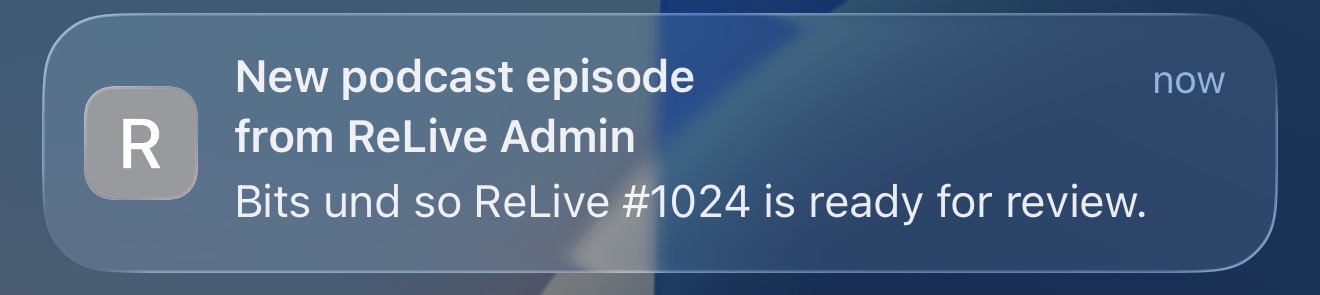
The browser's push service delivers the message to the registered service worker, which displays the notification.
6. Small details
- HTTPS is required for production. Localhost is supported for development.
- Request permission only after a user action, not automatically on page load.
- iOS Sweet Solution: Web Push on iPhones and iPads requires a web app installed on the Home Screen. More information from WebKit.